
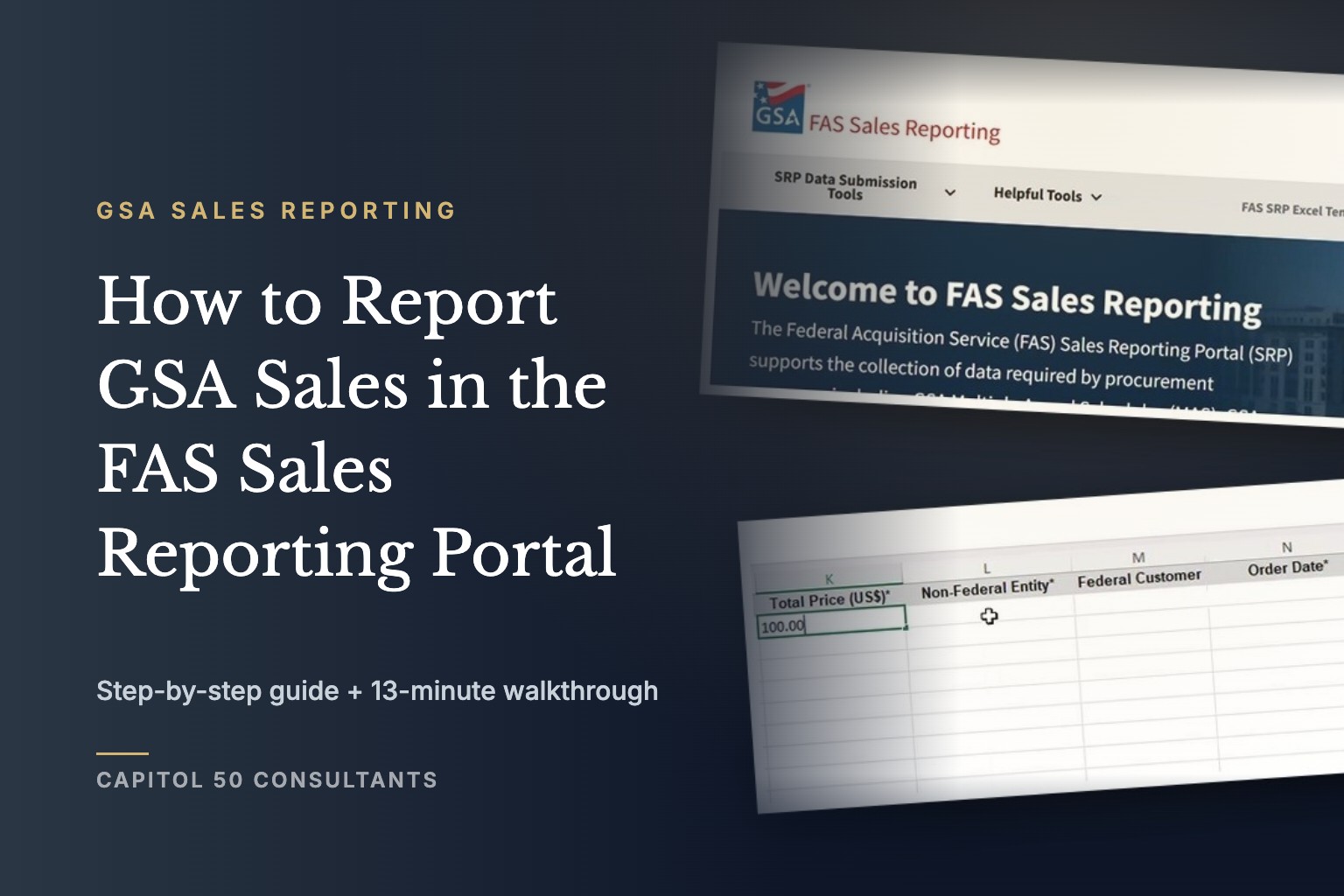
Your October sales report is due November 30, whether you sold $400,000 on your GSA Schedule or nothing at all.
Bottom Line
GSA sales reporting is the recurring report every Multiple Award Schedule (MAS) contractor files in the FAS Sales Reporting Portal (SRP), GSA’s system for collecting contract sales and the Industrial Funding Fee (IFF). Under GSAR 552.238-80, contractors on Transactional Data Reporting (TDR) report item-level sales monthly, within 30 calendar days after each month ends. Contractors not on TDR report total sales each quarter, within 30 calendar days after the quarter ends.
Watch the full walkthrough · 13 minutes
On This Page
01
When Is Your GSA Sales Report Due?
TDR contractors report every month, within 30 calendar days after the month ends. Everyone else reports every quarter, within 30 calendar days after the quarter ends, and both groups must file even when sales are zero.
30 days
to file after each month (TDR) or quarter (non-TDR)
$0 months
still need a report, filed as zero sales
Quarterly
IFF payment, within 30 days after the quarter ends
| TDR contracts (GSAR 552.238-80, Alternate I) | Non-TDR contracts (GSAR 552.238-80) | |
|---|---|---|
| What you report | Item-level transactional data: order numbers, quantities, unit and total prices, product details | Total contract sales for the quarter, in whole U.S. dollars, including the IFF |
| How often | Monthly | Quarterly |
| Deadline | Within 30 calendar days after the month ends | Within 30 calendar days after the quarter ends |
| No sales that period | Still required: report zero sales | Still required: report zero sales |
| IFF payment | Quarterly, within 30 days after the quarter ends | Quarterly, within 30 days after the quarter ends |
The portal’s FAQ notes that a report becomes delinquent 30 days after its due date. The stakes are higher than a late notice, though.
GSAR 552.238-80 · In Substance
Failing to report sales or remit the Industrial Funding Fee can be grounds for terminating the contract for cause.
Your reported sales are also how GSA sees whether your contract is pulling its weight, which matters when your sales are tracking under the minimum.
02
Which SRP Reporting Option Should You Use?
Use Form Entry for fewer than 250 line items and File Upload for more, according to the SRP user manual. High-volume contractors can also report through an API or EDI connection.
- Form Entry: type sales into a web form. You can save and come back before submitting.
- File Upload (Excel): fill in GSA’s pre-formatted template, by hand or from your accounting system.
- File Upload (CSV): export your data into the CSV template, usually straight from your accounting system.
- API or EDI: system-to-system reporting for contractors with very high transaction volumes.
03
How Do You Fill Out the FAS SRP Excel Template?
Download the current template from SRP, enter one row per line item, and fill in every column marked with an asterisk. The template in our walkthrough is version 4.2 (last updated June 24, 2026). It has separate data tabs for MAS and for GWAC/MAC contracts, so use the tab that matches your contract.
| Column | Required | What goes in it |
|---|---|---|
| Contract/BPA Number | Yes | Your MAS contract number, or the BPA number if the sale ran through a BPA |
| Order Number/PIID | Yes | The order the sale was made under |
| Description of Deliverable | Yes | A plain description, such as “Set of 6in pliers” or “Delivery and set up of office furniture” |
| Manufacturer Name and Part Number | No | For products; leave blank for services |
| Unit Measure | Yes | How the item is priced, such as EA for each or HR for hours |
| Quantity of Item Sold | Yes | Number of units or hours |
| SIN Number | Yes | The SIN the item is awarded under |
| Price Paid per Unit and Total Price (US$) | Yes | The unit price paid, and quantity times unit price |
| Non-Federal Entity | Yes | Whether the buyer is a non-federal entity; the walkthrough enters N/A for a federal sale |
| Order Date | Yes | The date of the order, in the format the template’s instructions specify |
| Universal Product Code, Federal Customer, Ship Date, Zip Code Shipped To | No | Fill in when you have them |
The asterisks in the template are the final word on which fields are required, and GSA updates the template, so download a fresh copy before each reporting cycle rather than reusing last quarter’s file.
04
How Do You Upload Your Sales File in SRP?
Log in, go to the File Upload page, pick the reporting period, upload your file, and confirm it shows as Submitted. The walkthrough covers each screen:
- Log in. Go to srp.fas.gsa.gov and choose “Login as a Contractor.” You need a multi-factor authentication account and must be a point of contact on the contract.
- Check the home screen. It shows your payment due date, your monthly and quarterly reporting due dates, and each contract you can report on.
- Open Reporting > File Upload. The page is titled “Report Sales Data by File Upload.”
- Select the reporting period. Pick the month or quarter from the dropdown.
- Click Browse. Choose your .xlsx or .csv file.
- Click Upload. SRP takes the file and adds it to your upload history.
- Check Upload History. Your file should show a status of Submitted. If it shows Rejected, see the next section.
Filing for several contracts?
Give monthly reporting one owner
Capitol 50 handles GSA Schedule reporting, TDR and compliance, so the 30th stops landing on whoever remembers.
05
How Do You Report Zero Sales in SRP?
Open Reporting > Form Entry, select the contract, set “Reporting zero sales” to Yes, and submit. The SRP FAQ is explicit that the report is still required when you have no sales to report, and it has to go in within the same 30-day window.
This is the report contractors most often forget, because it feels like there’s nothing to do. It takes two minutes and keeps the contract out of delinquent status.
06
What Should You Do If Your SRP Upload Is Rejected?
Open the Upload History, select the information icon next to the Rejected status to see what went wrong, fix the file, and upload it again before the deadline. A rejected file doesn’t count as filed.
Before you re-upload, check the basics:
- Every required column is filled on every row.
- You used the current template and the right tab for your contract type.
- The contract number is the same on every row. Dragging it down in Excel can auto-increment it.
- The unit of measure matches your award, using the GSA-approved abbreviation.
- Quantity and price columns are formatted as Number, not Text, Accounting or Currency, and Total Price equals quantity times unit price.
- The SIN matches one on your contract.
If you’re still stuck, GSA’s Vendor Support Center help desk handles SRP technical issues at 877-495-4849 or vendor.support@gsa.gov.
If a rejected file is already eating into the 30-day window, or you’re filing for several contracts every month, that’s the point where handing reporting to a GSA Schedule management team costs less than another missed deadline.
Our Take
No single sales report is hard. The risk is that TDR turns reporting into 12 routine deadlines a year, plus four IFF payments, filed by whoever remembers.
Give reporting one owner, map your invoicing data to the template’s columns once, and put the 30th of every month on the calendar. Treat a zero-sales month exactly like a busy one.
Related Resources
- Is TDR Now Mandatory for Every GSA Schedule Holder Under Refresh 31?
- What Happens If My GSA Schedule Is Not Meeting the Sales Requirement?
- What Should You Do in the First 90 Days After Your GSA Schedule Award?
- GSA Schedule Management
Frequently Asked Questions
Do I have to report GSA sales if I had no sales?
Yes. Both TDR and non-TDR contractors must file a report for every period, including periods with zero sales. In SRP, use Form Entry and set “Reporting zero sales” to Yes.
When is the TDR sales report due?
Within 30 calendar days after the end of each month, under GSAR 552.238-80 Alternate I. October sales, for example, are due by November 30.
Can I upload sales data as a CSV instead of Excel?
Yes. SRP accepts both its Excel template and its CSV template. The SRP user manual suggests file upload once you have more than 250 line items.
Who can submit sales reports in SRP?
Someone with a multi-factor authentication account who is listed as a point of contact on the contract. Set this up before your first deadline, not on the day it’s due.
When do I pay the Industrial Funding Fee?
IFF is remitted quarterly, within 30 days after the end of each quarter. The SRP FAQ notes you can also pay it monthly along with your sales reports.
Before the 30th
Make the 30th a Non-Event
Bigger contractors have someone whose whole job is GSA reporting, and they never think about the 30th. If you’re juggling TDR files across contracts, or a rejected upload just cost you a week, a call with Capitol 50 reviews your reporting, your sales against the option minimum, and what’s changing on your Schedule.
Twelve deadlines a year are only stressful when nobody owns them.
Sources
- FAS Sales Reporting Portal FAQs: the 30-day TDR window, delinquency, zero sales, IFF timing, MFA and point-of-contact requirements, help desk contact
- SRP User Manual: Data Reporting Options: Form Entry, Excel and CSV upload, API, EDI and the 250-line guidance
- GSAR 552.238-80, Industrial Funding Fee and Sales Reporting: monthly (Alternate I) and quarterly reporting deadlines, the zero-sales rule, IFF remittance and termination for failure to report